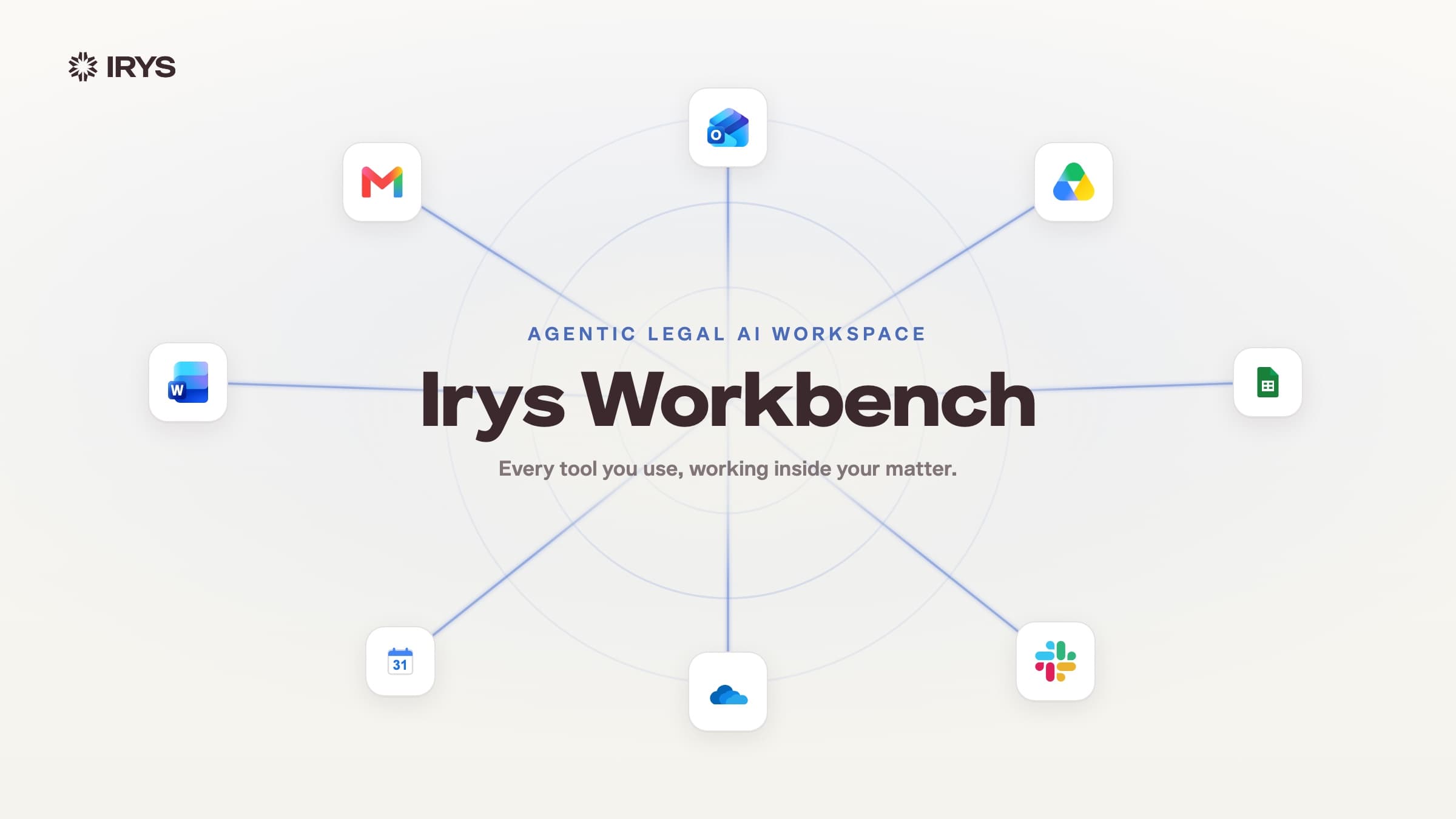
Lawyers work in Word. Every tab switch is a chance to lose focus. Starting today, the full Irys sidebar lives directly inside Microsoft Word.
Irys users can now install the Irys Word Add-In and open the same AI sidebar - Chat and Work modes, file upload, and Upload to Library - directly inside Microsoft Word.
Two modes. One sidebar.
The add-in mirrors what you already know from the Irys web platform. Toggle between Chat and Work at the bottom of the sidebar.
Key Features
Chat mode
Ask the AI to summarize the open document, identify key terms, analyze the case, or answer questions - all in conversation. Upload up to 5 additional files (PDF or DOCX, 50 MB each) for the AI to reference alongside your open document. Results appear in the sidebar so you can review them in context.
Work mode - Document Editor
Give an instruction - "fix grammar," "make this clause more concise," or "add a force majeure provision after this section" - and the AI applies revisions directly in Word as tracked changes. Review the count ("Updated 38 paragraphs"), then Accept All or Reject All.
One-click quick actions: Fix Grammar, Make Concise, Professional Tone.
Upload to Library
Save your document to your Irys Library directly from the sidebar. It lands in your drafts folder - no manual upload, no file juggling. Everything you draft in Word stays connected to the Irys platform.
How to install
- From within Word: Go to Insert, then Add-ins, then Get Add-ins. Search "Irys" and click Add.
- From Microsoft AppSource: Visit the Microsoft AppSource marketplace, search "Irys," and click Get it Now.
Sign in with your Irys account and the sidebar is ready.
The Word Add-In is included with every Irys plan. No add-on fees. No token limits.
Same security. Same zero data retention.
The Word Add-In connects to the same Irys infrastructure - SOC 2 certified, end-to-end encrypted, zero data retention. Your client data is never stored or used for model training, whether you work in the browser or in Word.
Everything connected.
The Word Add-In is not a stripped-down version of Irys. It is the same AI, the same research, the same platform - accessed from a sidebar in the application you already have open. When you save, it goes straight to your Library. When you research, the full Irys intelligence layer is behind it.