Meet Workbench, now in beta. By Christian Brown, Head of Product at Irys.
The short version
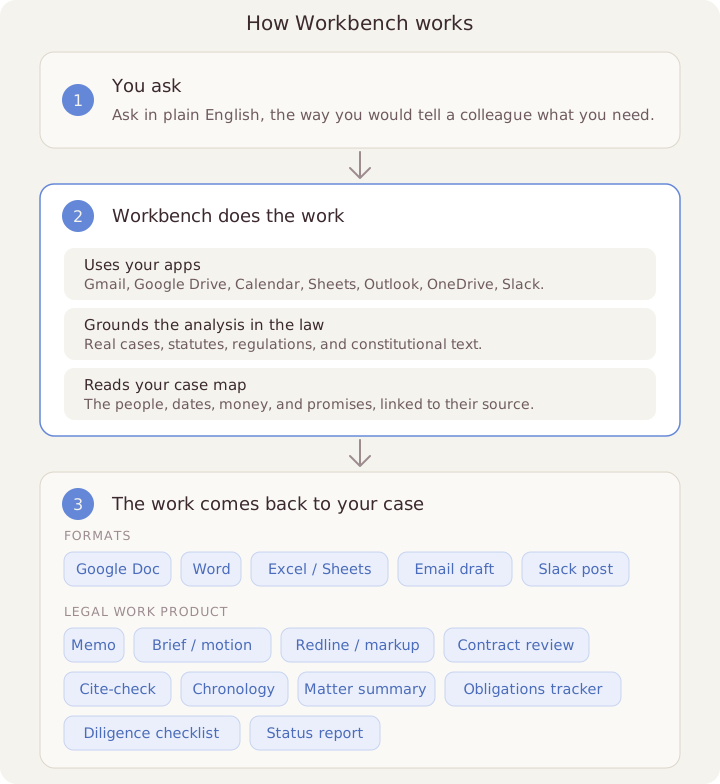
- What it is: An AI teammate for legal work. You ask in plain English. It uses your apps, does the work, and puts it back in your case.
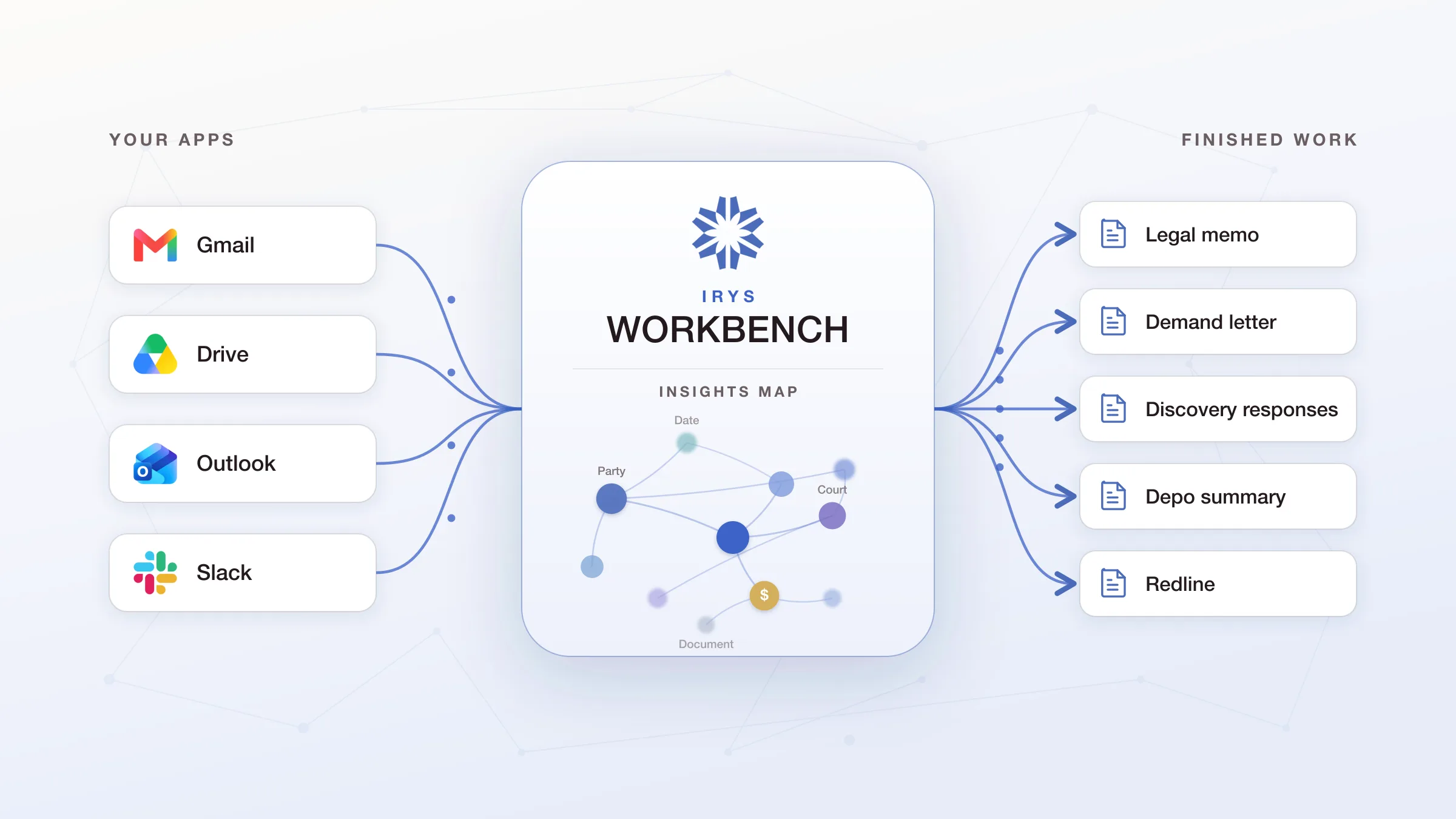
- How it stays organized: It reads your case files and builds a simple map of them, the people, dates, money, and promises, so it always knows the facts. Irys calls this the Insights Map.
- Why it matters: Today, lawyers waste hours jumping between email, files, and research and copying work from one app to the next. Workbench does that running-around for you.
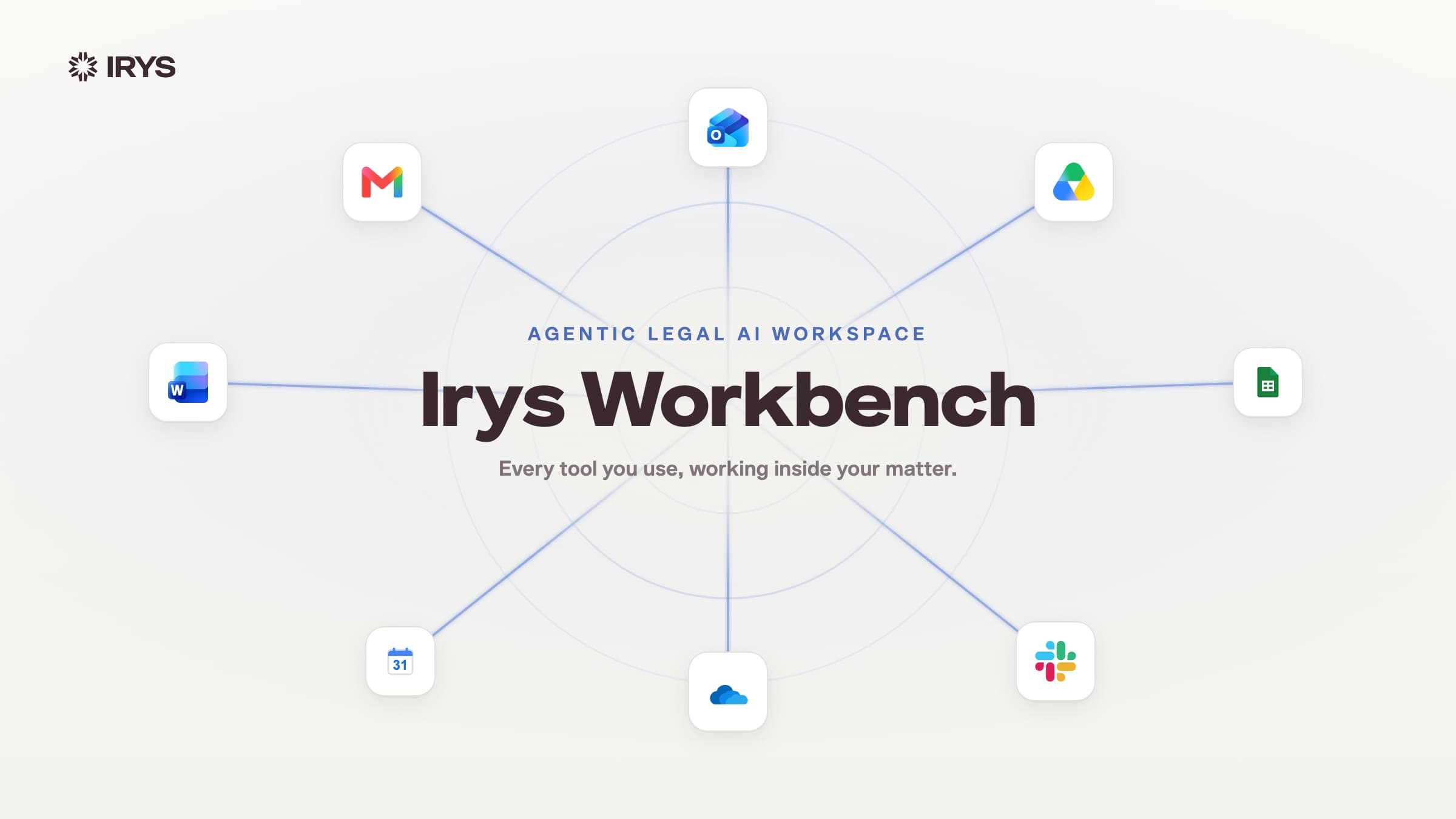
- What it does: Connects to Gmail, Google Drive, Calendar, Sheets, Outlook, OneDrive, and Slack. Grounds its analysis in real case law, statutes, and regulations. Hands you real drafts: a Google Doc, a Word file, or an email.
- Safe by design: It never sends anything on its own. It writes drafts; you hit send. And you choose what it can see.
- How to try it: It's in beta. Try it at workbench.irys.ai.
Here is how most legal work gets done today
You open your email to find one document. You go to your drive for another. You check a research site for the rule. Then you open an AI chat like ChatGPT and paste it all in, because the AI can't see any of it on its own. You copy the answer back out, drop it into your memo, and start over for the next question.
Somewhere in there, you stopped practicing law and became the go-between for a pile of apps that were never built to talk to each other.
I kept running into this myself. A smarter AI model doesn't fix it. A better setup does. That is what we built, and it's called Workbench.
What Workbench actually is
Think of it as one place to work, with an AI teammate that can use all your tools. You ask for something in plain English. It figures out the steps, uses the right apps, does the work, and brings it back to your case.
You ask once. No copying files from one app to another. No opening five tabs. You stay in one place, and the work comes to you.
See it work on a real task
Here's one real task, start to finish, from a single request:
"Explain what a contract for deed is in Texas, pull the law and the key cases, write a memo in Google Docs, and start an email asking a colleague to review it."
Workbench figured out which part of the Texas law applied and found the official text. When a government website wouldn't load, it worked around it on its own. Then it read the important cases and pulled them together.
Then it handed back three finished drafts: a memo in Google Docs, a Word version, and an email asking a colleague to review it. The memo cites real cases, with links to the real source, not made-up ones.
The email was written but not sent. On purpose. And while it worked, I typed "also make a Word version" and "link every case," and it added both without starting over. You can stop it or steer it while it runs, so it never finishes the wrong thing.
It builds a map of your case
Most AI tools forget. Every time you ask a question, they re-read a pile of text and guess how it all fits together. So the answers change, and nothing sticks once the chat ends.
Workbench works differently. When you add files to a case, it reads them and builds a simple map, the people, the dates, the money, and the promises, all linked back to the exact file they came from. Learning a new case used to take a week of reading. Now it takes minutes.
The AI uses this map every time you ask a question, so it never starts from a blank page. It already knows the facts of your case, and it can point you to where each one came from.
Built for the whole legal team
Workbench is for everyone in a legal practice, not just the attorneys. Solo lawyer or fifty-person firm, in-house team or big firm. The lawyers, and the paralegals, assistants, and ops people who keep the place running.
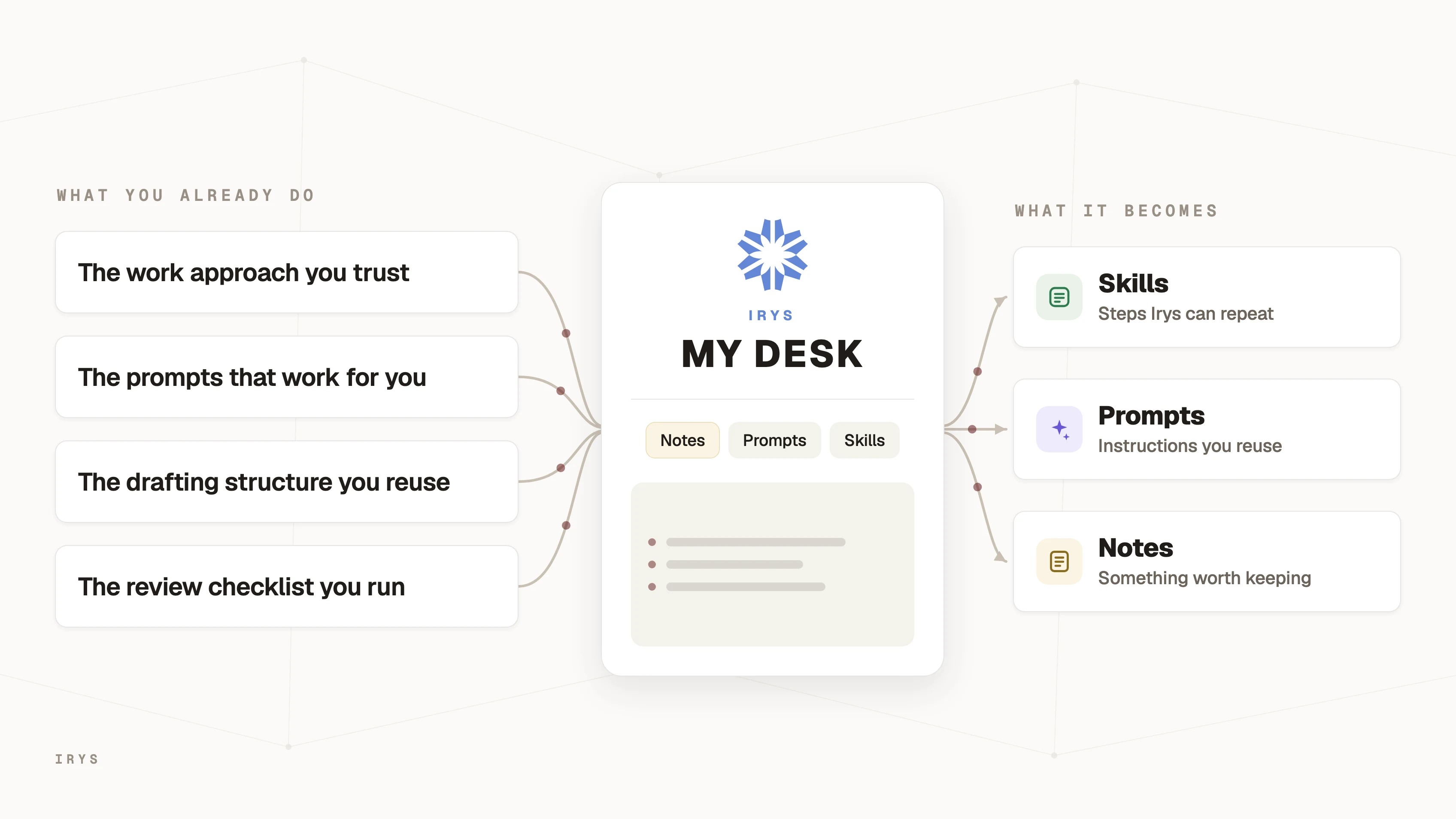
If you like things simple, it takes the busywork off your plate without asking you to become a tech person. If you like to build your own setup, it's a home for the shortcuts you've already made, so you stop spending your week keeping them running.
Either way: the same power you would have built yourself, with none of the upkeep. And your team's know-how stays with the team, not stuck in one person's head.
Built for confidential work
Letting an AI into a lawyer's accounts is a big deal, so we built the guardrails first.
Workbench can read and write drafts, but it never sends anything on its own. It writes emails; you hit send. And for each chat, you choose exactly what it can see, maybe just the case files, or Gmail and Drive but nothing else.
What you can do with Workbench
In one place, you can:
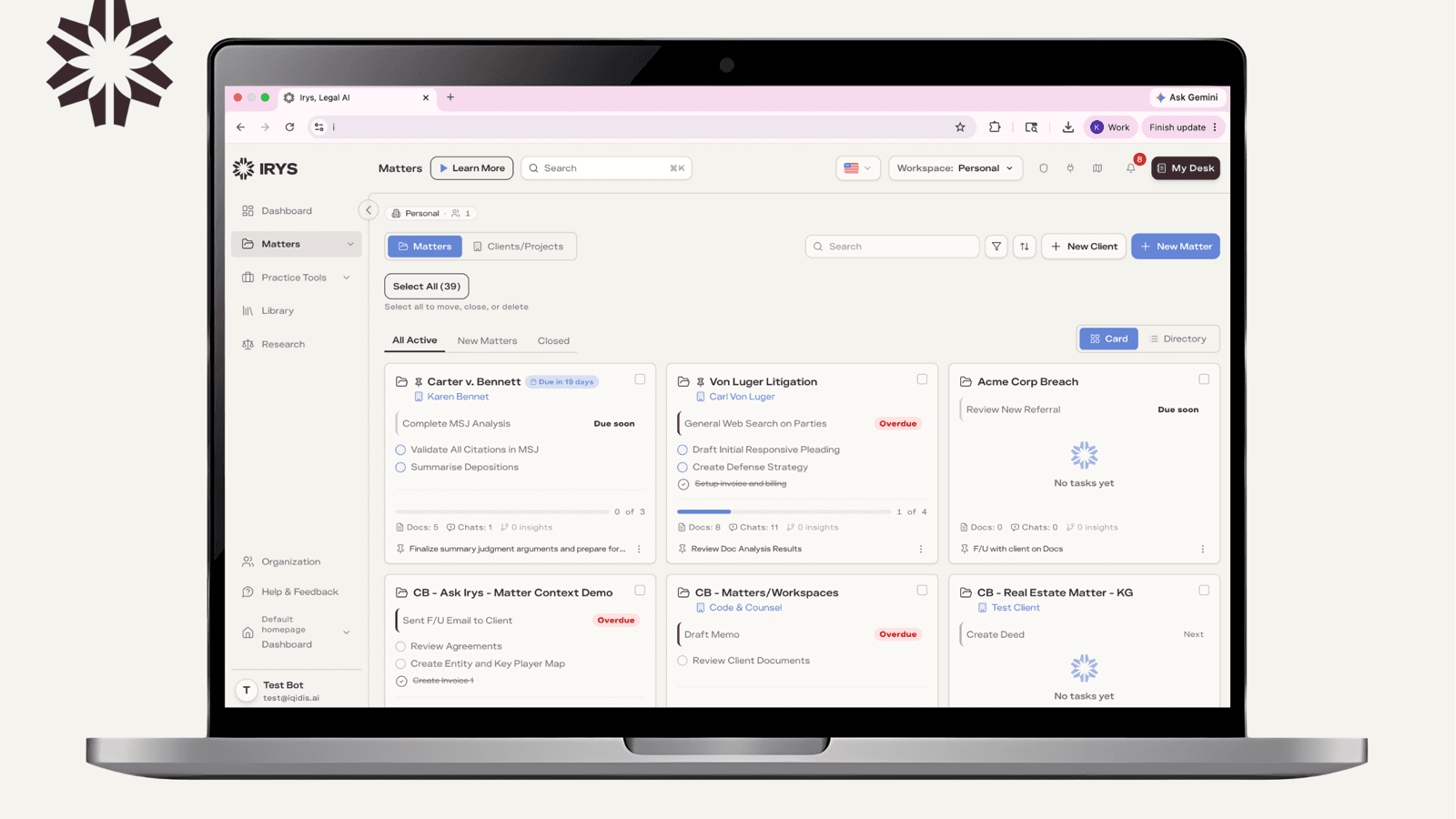
Start with your case already organized. Every case comes pre-sorted into that simple map, so you and the AI start from the same facts.
Use the apps you already have. Connect Gmail, Google Drive, Calendar, Sheets, Outlook, OneDrive, and Slack. Workbench can search them, read them, write drafts, and post, but only where you allow it.
Bring in your real files. Pull emails, attachments, and files from those apps right into your case. Word, PDF, Excel, PowerPoint, and more.
Ground your work in the law. Ask a legal question and get analysis backed by real case law, statutes, and regulations, with links to the source, not made-up ones.
Get real drafts, not just chat. It hands back drafts you can actually use: a Google Doc, a Word file, or an email ready to review.
Stay in control. Watch it work, stop it, or add an instruction while it runs, so it never finishes the wrong thing.
And every result goes back into the case, so the next question already has it.
The real magic is when one request uses several apps at once. For example:
- Review an NDA. An NDA lands in your email. Say: "Bring this NDA into the case, check it against our standard rules, mark up anything off, and start a reply email with the marked-up copy attached." Workbench pulls it in, marks it up, and leaves the reply in your drafts. You read it and send.
- Build the story from your inbox. "Pull every email between our client and the other company into this case, lay out who said what and when, flag the three worst messages, and draft a note to the partner."
- Check the deal papers. "Take the closing folder from Drive, list every promise the seller made, check them against the disclosure lists, and write a summary in Word with the gaps flagged."
- Start a new case fast. "A new client sent fifteen files and a summary. Bring them in, organize the case, map the people and dates, and give me a one-page rundown."
Try Workbench in beta
Bring a real case and put it to work. Tell us what's missing. It gets better with every person who uses it.
Or email christian@iqidis.ai if you have questions. Read the docs or browse the FAQ.
Come see what it can do.