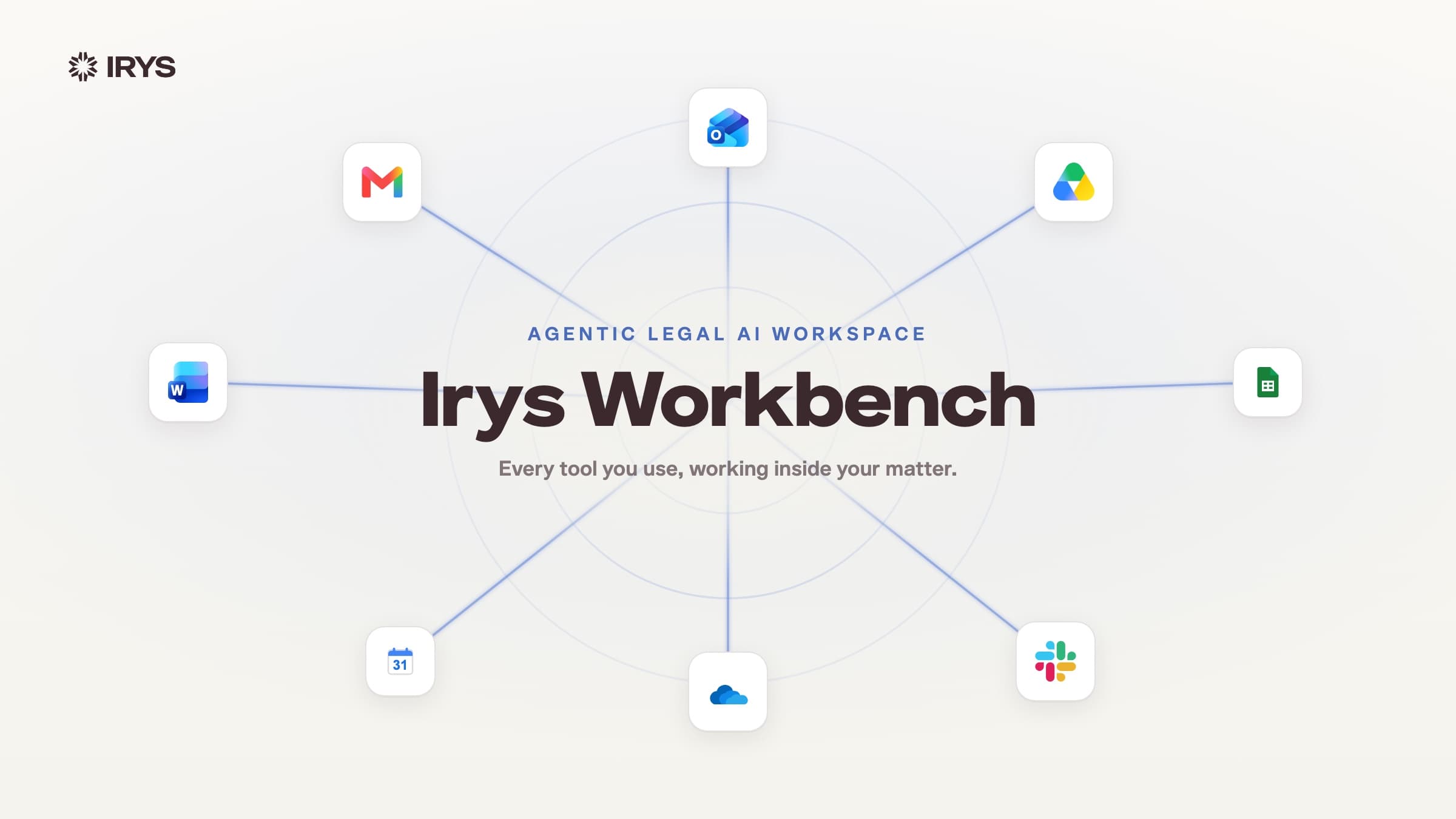
Agent Mode now lives inside Irys Workbench, the agentic legal AI workspace.
Most legal AI research gives you an answer. Agent gives you the investigation behind it.
Most legal AI research tools run a single pass: search, retrieve, generate. The output looks like research. But the investigation is invisible. And in legal work, invisible reasoning is a liability.
Most tools give you an answer you have to trust. Agent gives you one you can verify.
It plans the investigation, pursues each line of inquiry as a visible lead, validates citations against authoritative legal sources, and returns a structured memo where every assertion is traceable. Agent doesn’t just answer the question. It shows you the work behind the answer.
What Agent Does
When you submit a question in Agent Mode, a Show Thinking panel opens. The investigation plan is visible as it runs.
Key issues are surfaced. Each lead runs in parallel, a case to validate, a document section to read, a statute to retrieve. You don’t just get a result. You see how it was built.
The output is a structured legal memorandum with inline superscript citations. The Sources & Citations panel shows everything retrieved, grouped by Case Law and Web, with search and copy all.
- Case law citations link directly to the CourtListener opinion
- Document citations open the source file at the cited page
Claims are linked to their sources. You can review them, verify them, and use them.
When to Use Agent
Agent Mode is built for any task where the answer has to hold up. Use it for:
- Analyzing matter documents
- Validating case law citations
- Combining matter context with external authority
- Producing cite-ready answers you can hand to a partner
If in doubt, use Agent.
Everyday, Deep Research and Agent
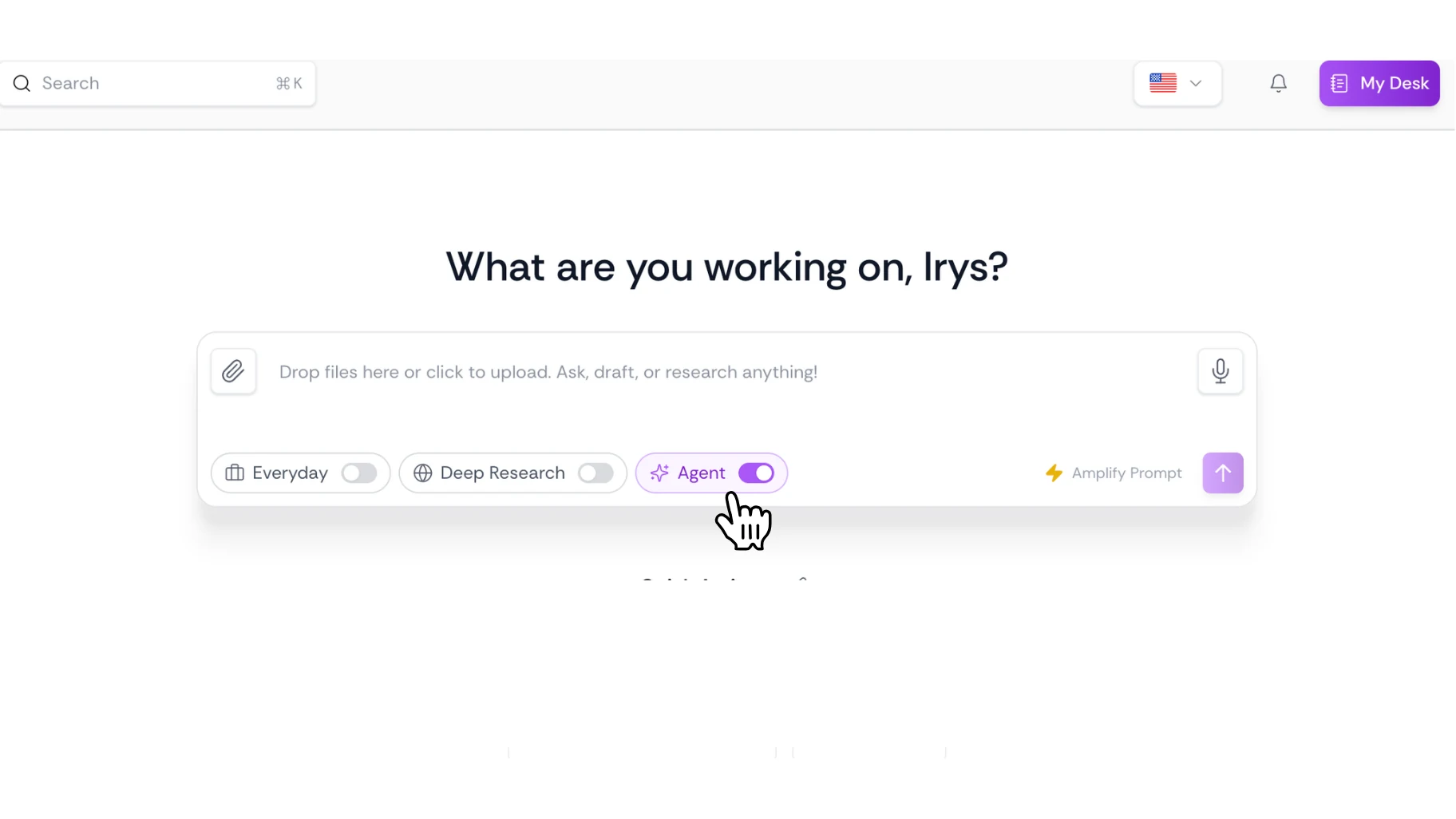
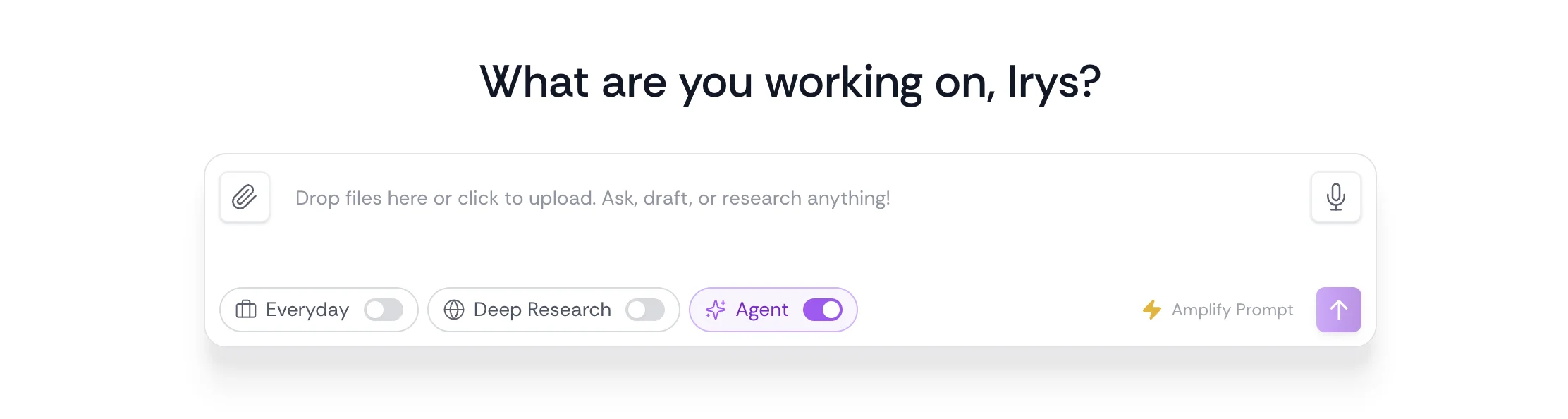
Everyday is the default mode in the AI Assistant while Agent & Deep Research are accessible by selecting them from the mode selector in the chat input at any time.
Everyday. Ask a question, get a fast, direct answer. Best for quick drafting, summarizing something you paste in, rewording a clause, or asking a straightforward legal question. Use it when you want an answer in seconds, not a research report.
Deep Research. A comprehensive research mode that produces memo-quality output with aggregated citations. Irys pulls from online legal resources and the Irys Database and synthesizes them into a structured report. Use it when you need depth and are willing to wait.
Agent. Irys’s most capable mode, an agentic researcher that plans its own investigation, pursues leads in parallel, verifies citations as it works, and shows its thinking step by step. Unlike Everyday (single-shot answer) or Deep Research (one long synthesis pass), Agent breaks your question into sub-questions, decides which tools to call, case law search, web search, matter documents, and iterates until it has enough to answer. You see the investigation unfold: key issues, facts extracted, sources cited inline. Click any citation to jump to the underlying document or opinion.
Everyday and Deep Research remain available alongside Agent. Each mode is designed for a different kind of work.
Legal research has always required showing your work. Agent is built on that premise because research that shows its work isn’t just more trustworthy, it’s defensible.
Agent is available now across all Irys One plans.